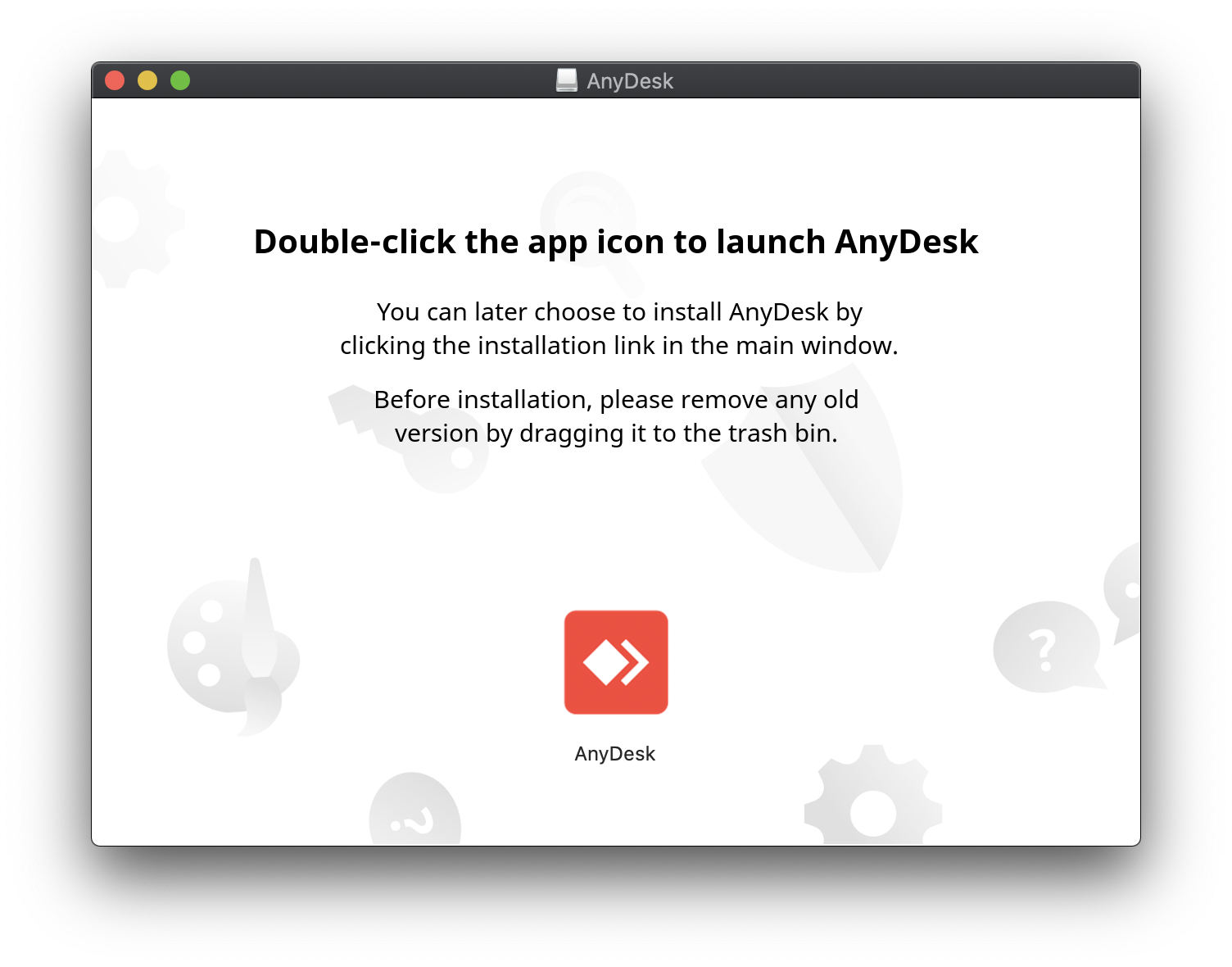
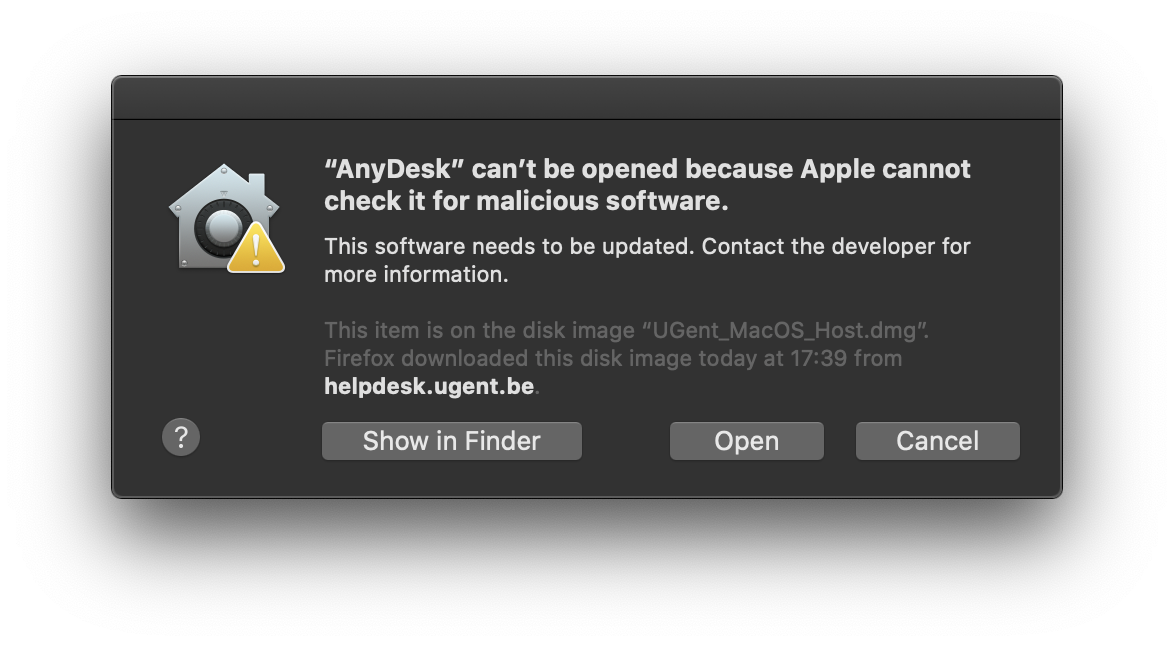
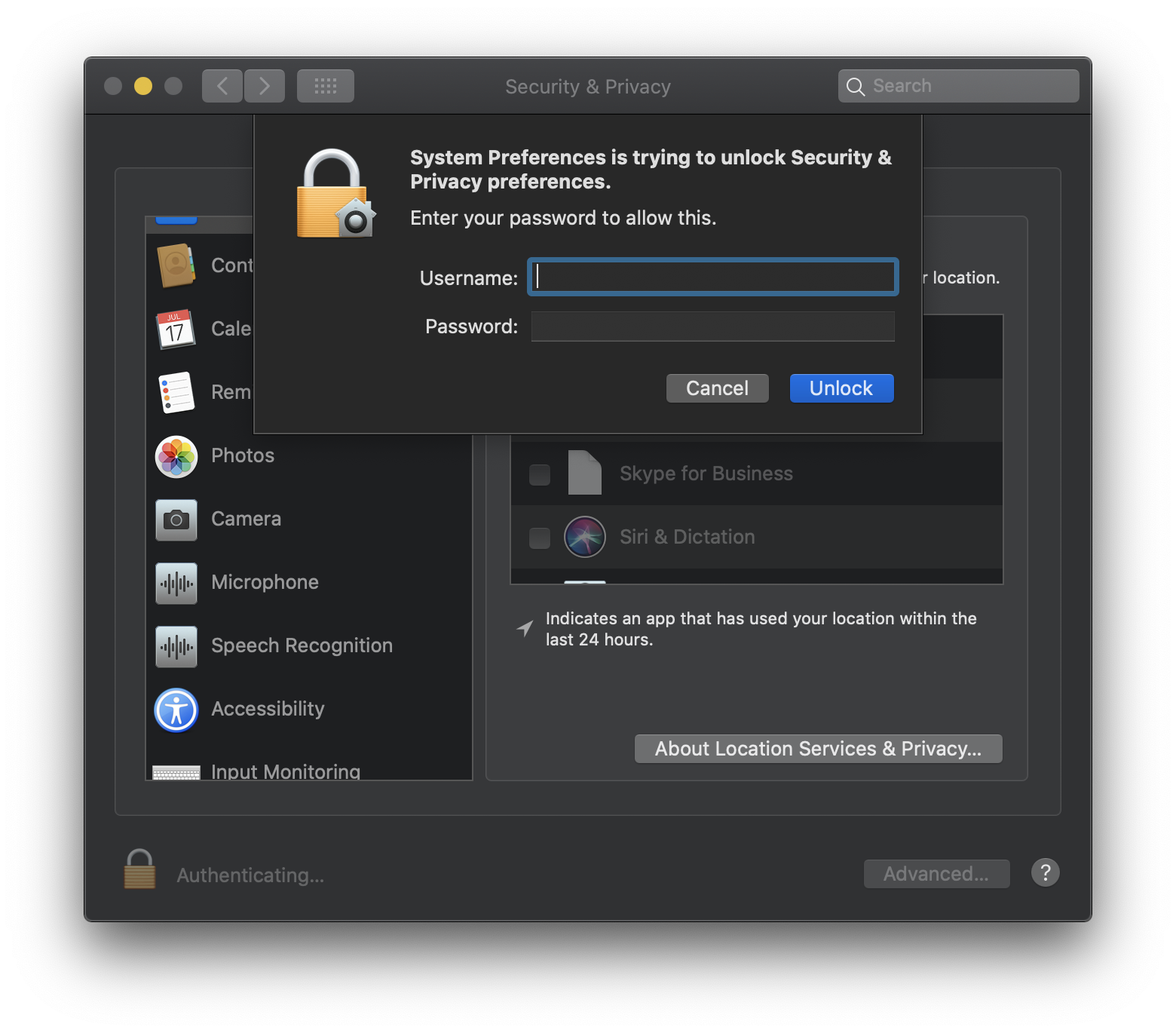
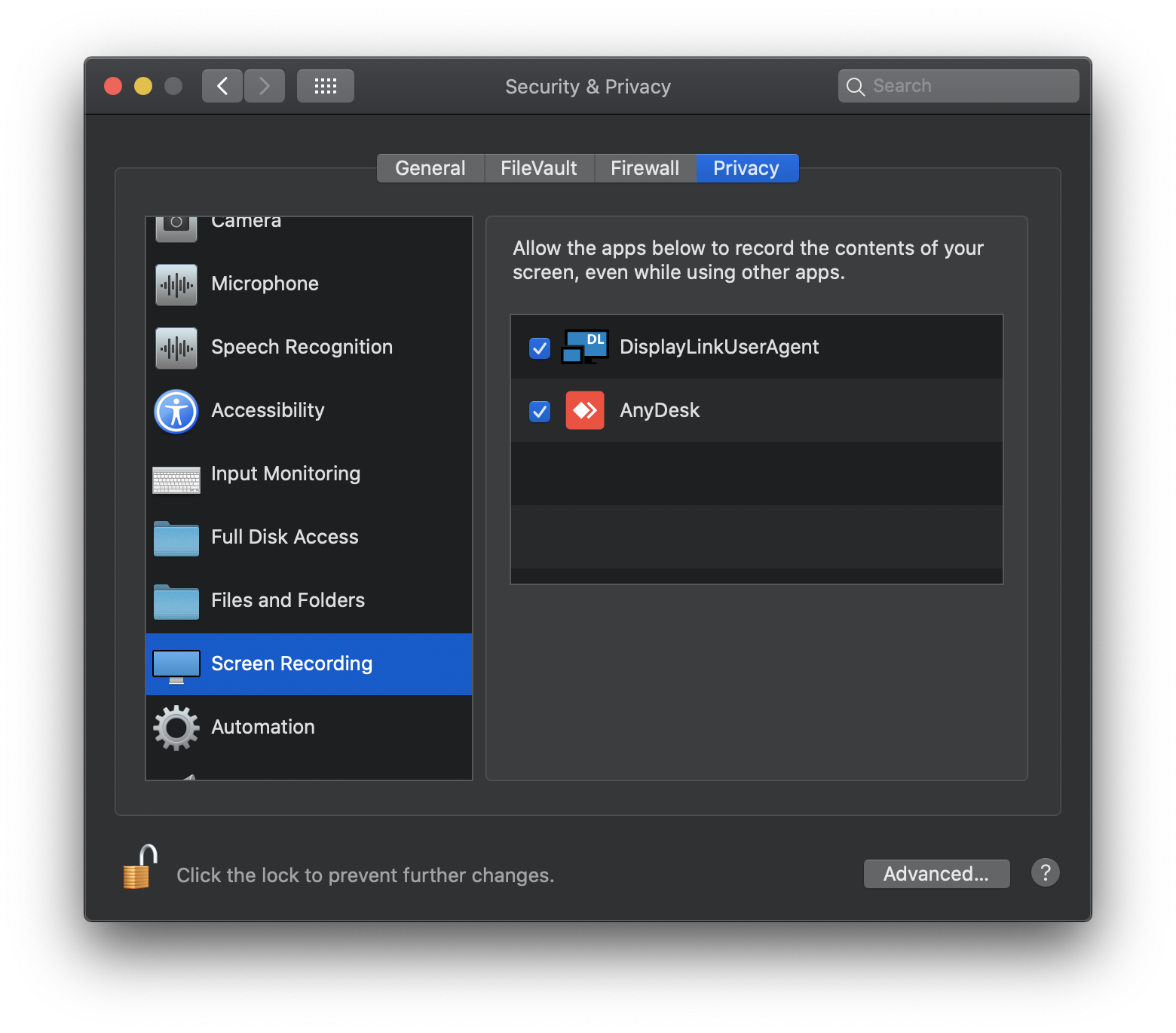
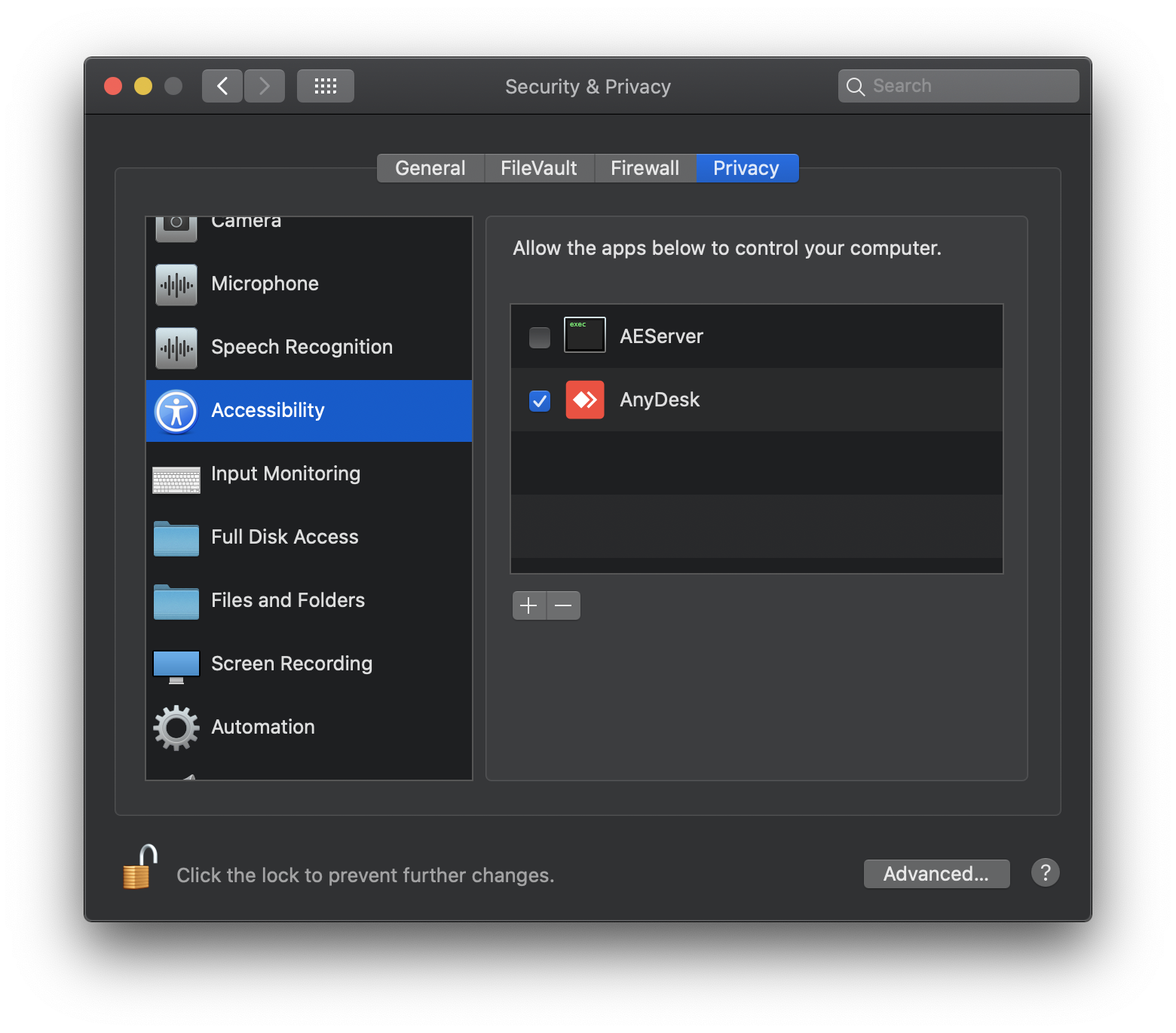
With the remote control and screen sharing application (that you download from this page), you can share your screen with a UGent system administrator who can offer online assistance.
For whom?
UGent system administrators can remotely connect to your desktop or device after you have started the application and only while the application is running.
System administrators who wish to obtain access to this application, need to contact the ICT Helpdesk.
How to allow remote control and screen sharing by a UGent system administrator?
Download the application by clicking the icon for your operating system below: