Disconnect the VPN connection back when you don't need it.
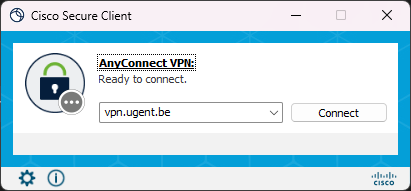
To do this, click on the Cisco Secure Client icon (e.g. in your computer's taskbar) and select Disconnect.
The Cisco Secure Client is automatically installed on your professional Windows device. You will also find the Cisco Secure Client in the Company Portal.
To activate a VPN connection on Windows, Mac or Linux devices, you must first install the Cisco Secure Client.
Problems with installation?
Only if the method described above does not work should you download and install one of the files below to install the Cisco Secure Client.
To activate a VPN connection on a mobile device, you must first install the Cisco Secure Client.
VPN is needed
A number of UGent ICT facilities can only be used from devices connected to the UGentNet (i.e. from your workplace).
So a VPN connection is mainly needed to make a secure connection to the UGentNet from outside, for example if you:
VPN is not needed
In turn, certain applications such as Athena, Ufora, www.ugent.be of helpdesk.ugent.be are always accessible from outside Ghent University, even without a VPN connection
